Selenium Training in Chennai

Master Program 4.9 Reviews 12k+ Learners

Hejex Technology's Selenium Training in Chennai provides hands-on, job-oriented learning through real-time projects and expert-led classes. Learners are provided with tools such as Selenium, TestNG, and Jenkins, as well as programming languages like Java and Python. At Hejex Technology, you will receive hands-on expertise with real-time applications and Java-based testing tools, like TestNG.

  • Java Selenium Certification Training from Beginner to Advanced Levels
  • Hands-on Automation Testing with Selenium WebDriver, TestNG
  • Real-Time Automation Projects with CI/CD Tools like Maven, Jenkins

Selenium Training in Chennai

Have Questions? Contact Our Experts

5 Students Batch
3+ Live Projects
100% Job Assistance
120+ Hrs Duration

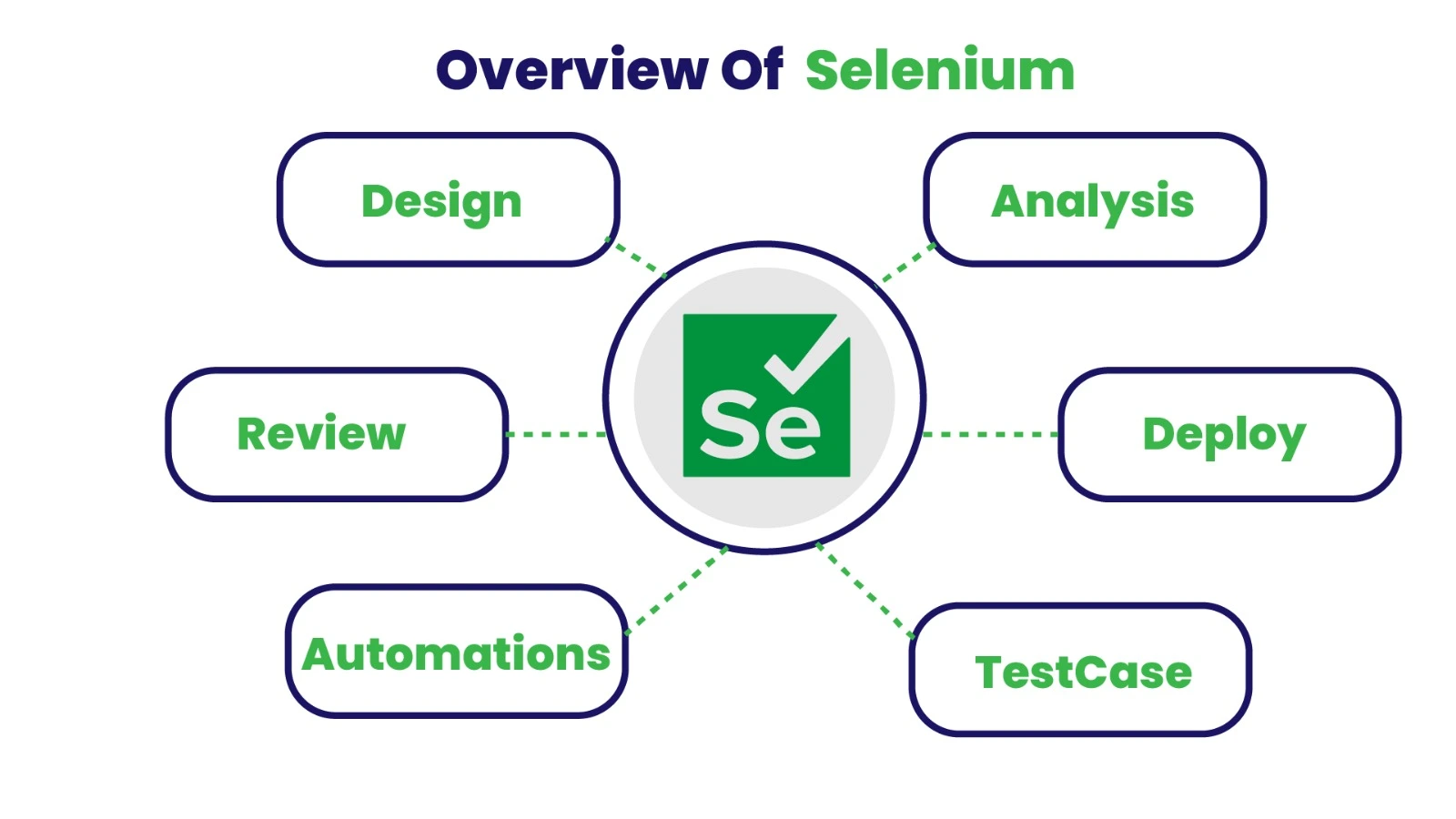
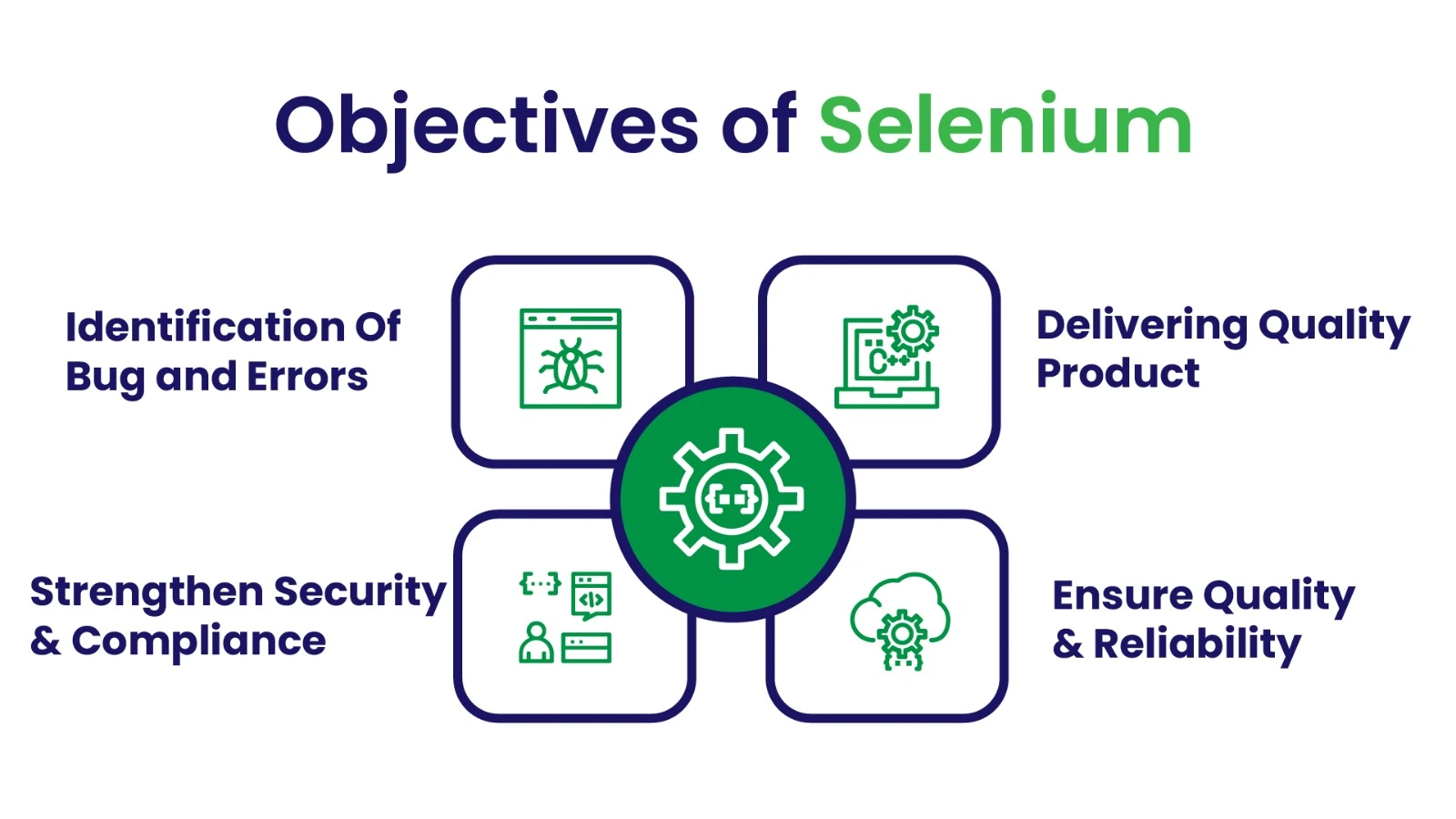
Overview of Selenium Training in Chennai

The Selenium Training in Chennai at Hejex Technology provides to help learners master advanced automation testing techniques used in the software development industry. Our Selenium Certification Course in Chennai highlights on hands-on training and real-world project experience to make sure learners develop a robust foundation in automated web application testing.

Selenium Certification Course in Chennai

This Selenium course in Chennai provides the ideal combination of theoretical knowledge, hands-on training, and industry-oriented knowledge to help you succeed in the growing QA automation field, whether you are a beginner beginning your career in software testing or a professional looking to improve your automation testing abilities.

What You Will Learn Selenium Testing Course

  • Programming for Automation Understand Java fundamentals, object-oriented programming concepts, and how its used in Selenium automation testing.
  • Selenium WebDriver Learn how to automate web applications using Selenium WebDriver and understand core automation testing concepts.
  • TestNG Framework Learn to create and manage automated test cases using TestNG, including annotations, test execution, and reporting.
  • Automation Framework Build scalable automation frameworks such as Data-Driven, Keyword-Driven, and Hybrid frameworks for real-time testing projects.
  • Jenkins & Maven Selenium automation scripts with tools like Jenkins and Maven for continuous testing.

Tools Covered in Selenium Course in Chennai

Introduction
Statements
Loops
Array
Strings
OOPS
Exception Handling
Selenium
Web Drivers
TEST NG
Jenkins
Project

Key Highlights of Selenium Training in Chennai

  • Flexible Learning Options: Choose between classroom training or instructor-led online sessions for our Selenium Training in Chennai, designed to fit the schedules of students and working professionals.
  • 100% Hands-on Automation Training: Gain practical experience in Selenium WebDriver, TestNG, and automation through real-time coding exercises and automation testing assignments.
  • Real-Time Automation Testing Projects: Work on industry-level automation testing projects to understand how automated test scripts are implemented in real software development environments.
  • Mock Interviews & Resume Preparation: Prepare for automation testing job roles with technical mock interviews, resume-building guidance, and interview preparation sessions.
  • Comprehensive Curriculum: Learn Selenium WebDriver, automation frameworks, CI/CD tools like Jenkins and Maven, and other essential tools used in modern QA automation testing.
Front End Developer Course in Chennai

Who Can Take Selenium Course?

  • Students and Fresh Graduates who want to start a career in software testing, automation testing, or QA engineering.
  • Manual Testers who want to upgrade their skills by learning Selenium WebDriver and automation testing frameworks.
  • Working Professionals looking to switch their career into automation testing, QA automation, or software testing roles in the IT industry.
  • Non-IT Graduates and Career Switchers who want to enter the software testing and automation testing field with Selenium certification training.

Software Testing Trainer Profile

Hejex Technology's Selenium trainers are experienced automation testing professionals with an excellent record in software testing and test automation frameworks. They include real-world project experience and practical insights into each training session, ensuring learners develop the skills needed to perform comfortably in modern QA automation contexts.

  • 10+ Years of Industry Experience in Selenium Automation Test Engineers in leading IT companies and product-based organizations.
  • Strong hands-on experience with automation tools such as Selenium WebDriver, TestNG, Maven, Jenkins, and Git for real-time testing.
  • Strong knowledge of Software Development Life Cycle (SDLC), Agile methodologies, Scrum practices for automation testing workflows.
  • Proficiency in automation scripting with Selenium using Java and Python, along with experience in designing robust automation testing frameworks.
  • Practical exposure to real-time automation projects, helping students understand how automation testing is implemented in enterprise-level applications.

Selenium Course Syllabus

Module 1: Introduction to Java

  • What is Java?
  • Fundamentals of Java Programming
  • JDK
  • JRE
  • JVM
  • Installation
  • Datatypes
  • Variables
  • Class & Objects
  • Methods in Java

Module 2: Conditional Statements & Loops

  • Introduction to Conditional Statements
  • Types of Conditional Statements
  • Simple If
  • If...else
  • Elseif Ladder
  • Nested If
  • Tasks
  • Introduction to Loops
  • Types of Loops
  • While Loop
  • do...while Loop
  • For Loop
  • Nested For Loop
  • Tasks

Module 3: Java Arrays & Strings

  • What is Array?
  • Types of Array
  • Syntax of Array
  • One Dimensional Array
  • Two Dimensional Array
  • Multidimensional Array
  • Array Task
  • What is String?
  • Why String is Immutable?
  • Types of Memory in String
  • String Methods
  • String Task

Module 4: Java Object Oriented Programming Language

  • Introduction to OOPS
  • Class
  • Objects
  • Methods in Java
  • Arguments in Methods
  • Access Specifiers
  • Inheritance
  • Types of Inheritance
  • Polymorphism
  • Encapsulation
  • Getter & Setter Methods
  • Abstraction
  • Static
  • Interface
  • Multiple Inheritance

Module 5: Java Exception Handling

  • Introduction to Exception Handling
  • Exception Handling Uses
  • Types Of Exception Handling
  • Checked
  • UnChecked
  • Try, Catch, Finally Blocks
  • What is throw keyword?
  • What is throws keyword?
  • Difference Between throw & throws

Module 6: File Handling & Packages

  • What is File Handling?
  • Types of File Handling
  • File creation
  • File writing
  • File Reading
  • Deleting the File
  • Introduction to Packages
  • Types of Packages
  • Built in Packages
  • User Defined Packages
  • Import the Packages
  • Access Modifiers in Packages
  • Non-Access Modifers in Packages

Module 7: Collection Framework

  • Introduction to Collection
  • Need of Collection Framework
  • Primitive vs Array vs Collection
  • Key Interfaces
  • Hierarchy of Collection Framework
  • Methods of Collection Interface
  • Collection Classes

Module 8: Introduction to Testing

  • Introduction to Software Testing
  • Necessity of Software Testing
  • Different Types of Testing
  • Introduction to Manual Testing
  • Writing Test Scenarios
  • Test Case Validation Techniques

Module 9: Selenium IDE

  • Introduction to Selenium IDE
  • Selenium IDE Installation
  • Creating the First Script using Record and Playback
  • Using Browser Inspector Tools
  • Generating Scripts with Different Web Elements
  • Handling Wait Commands
  • Handling Validation Commands
  • Handling Store Commands
  • Limitations of Selenium IDE

Module 10: Selenium Web Driver

  • First Program in Selenium
  • Verifying Page Title using Selenium WebDriver
  • Navigation Commands in Selenium
  • Handling Radio Buttons and Checkboxes in Selenium WebDriver
  • Handling Auto Suggestions
  • Handling Dropdown Lists
  • Handling File Upload using Sikuli / AutoIT
  • Handling Drag and Drop in Selenium
  • Handling Mouse Hover and Keyboard Events using Actions Class
  • Synchronization using WebDriver (Waits)
  • Taking Screenshot using Selenium
  • Taking Multiple Screenshots
  • Capturing Error Messages using WebDriver

Module 11: Handling Events

  • Handling Multiple Browser Windows
  • Handling Alert Pop-up Messages
  • Handling iFrames in Selenium
  • Cross Browser Testing using Selenium
  • Complete Guide to Dynamic XPath in Selenium
  • Managing Dependencies in Selenium Projects
  • Complete Guide to CSS Selectors in Selenium
  • Downloading Files using Selenium WebDriver
  • Handling Web Tables
  • Handling Web Calendar Controls
  • Logging in Selenium Automation
  • Using Properties File in Selenium

Module 11: Test-NG

  • Introduction to Automation Framework
  • Introduction to TestNG
  • Installation and Setup of TestNG
  • Creating and Executing the First TestNG Program
  • Understanding TestNG Reports
  • Executing Only Failed Test Cases in Selenium WebDriver
  • Implementing TestNG Listeners
  • Running Grouped Test Cases
  • Executing Multiple Test Programs
  • Parallel Execution of Selenium Tests using TestNG
  • Generating XSLT Reports using TestNG and ANT
  • Creating BAT File to Execute Tests using ANT
  • Using Data Providers for Multiple Tests in a Single File
  • Sharing Data Providers Across Multiple Test Cases
  • TestNG Maven Configuration
  • Using Maven Surefire Report Plugin with TestNG
  • Executing TestNG Tests using Maven Command Prompt
  • Generating Maven Surefire Reports
  • Generating XSLT Reports using Maven
  • Managing Multiple Test Suites in TestNG
Talk To Us
We are happy to help you 24/7

Ready to Become a Selenium Automation Expert in Chennai?

Join Hejex Technology’s Selenium Training in Chennai and gain hands-on experience with Selenium WebDriver, TestNG, and real-time automation testing projects guided by industry experts.

Limited Seats Available Start Your Automation Testing Career Today

Pick Your Slots

Monday – Saturday

Weekdays Courses

Saturday - Sunday

Weekend Courses

Monday – Saturday

Weekdays Courses

Saturday – Sunday

Weekend Courses

Find a Right Place for Bright Career

Our Alumni Works at

Front End Developer Course in Chennai

Selenium Certification Course

Hejex Technology's Selenium Certification Course in Chennai provides learners with industry-recognized credentials in automation testing and software quality management. Students who successfully complete the training program will obtain a certification that certifies their knowledge of Selenium.

  • Get certified from Hejex Technology, a trusted Selenium training institute in Chennai
  • Enhance your professional credibility in automation testing and QA engineering
  • Showcase your Selenium certification on LinkedIn and your professional resume
Front End Developer Course Certifications in Chennai

Our Testimonials

Selenium Course Reviews

Frequently Asked Questions FAQ'S

Selenium is one of the most widely used automation testing tools in the software testing industry. It allows testers to automate web application testing across multiple browsers and platforms, helping organizations improve testing efficiency and software quality.

The Selenium Training in Chennai at Hejex Technology covers comprehensive automation testing concepts including Selenium WebDriver, automation test script development, TestNG framework, automation framework design, Maven project management, Jenkins integration, and real-time automation testing projects.

The duration of the Selenium Training in Chennai at Hejex Technology usually ranges from 2 months, depending on the training schedule and batch type such as weekday or weekend classes.

Yes, the training includes hands-on practical sessions and real-time automation testing projects where students learn to automate web applications using Selenium WebDriver and testing frameworks.

After completing Selenium training, you can apply for roles such as Automation Test Engineer, QA Automation Engineer, Software Tester, Selenium Tester, and Test Automation Developer.

Yes, we offer flexible batch options including weekday, weekend, and online instructor-led training, making it convenient for both students and working professionals.

After successful completion of the training program, students receive a Selenium Course Completion Certification from Hejex Technology, which can enhance their resume and professional profile.

Yes, non-IT graduates can also learn Selenium. With proper guidance in software testing fundamentals and automation tools, they can build a career in the QA automation and software testing industry.
WhatsApp Chat