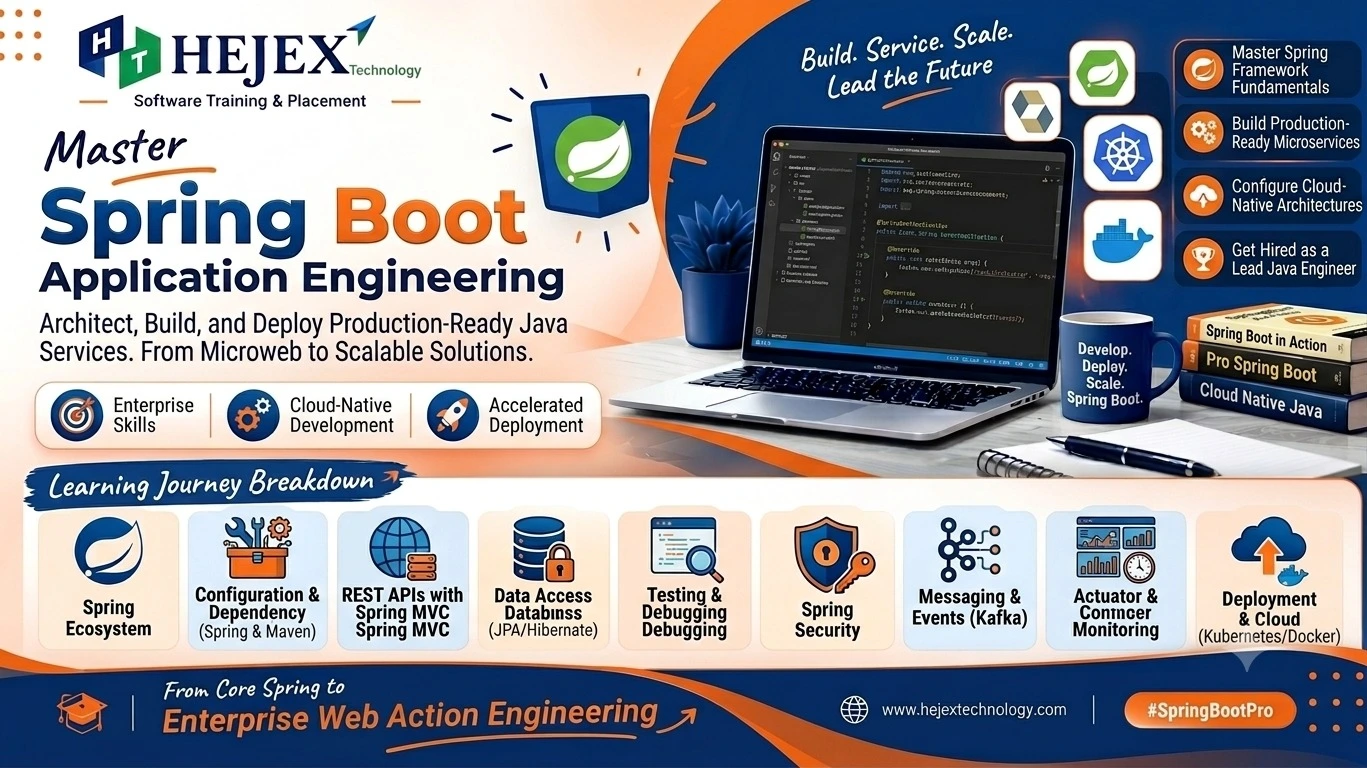
Introduction to Spring Boot
Spring Boot is a Java framework built on the Spring ecosystem for creating standalone, production-ready applications with less configuration. It simplifies common backend tasks such as web development, REST API creation, database access and application configuration.
What is Spring Boot?
Spring Boot builds on the Spring Framework and provides a simpler starting point for application development. It is not a replacement for Java; it is a framework that uses Java and Spring features to organize backend applications. The Spring Boot approach is especially useful when a project needs clear configuration, reusable components and a consistent way to expose application services.
Why Learn Spring Boot?
Spring Boot is widely used for Java backend development because it makes it easier to create maintainable services and web applications. It works well with REST APIs, databases, security, testing and cloud-oriented architectures. Its convention-based approach also helps teams start projects quickly while keeping the underlying Spring features available when more control is required.
Spring Boot Features
- Auto-configuration for common application requirements.
- Starter dependencies that simplify dependency management.
- Embedded servers for running web applications without manual server setup.
- Production-oriented features such as health checks, metrics and external configuration.
Spring Boot Use Cases
Spring Boot is commonly used for REST services, business applications, microservices, internal APIs, e-commerce backends, authentication services and database-driven applications. It can also serve as the backend layer for a full stack application where a frontend communicates with Java APIs.
Practical learning note:
A strong understanding of Java fundamentals makes Spring Boot easier to learn. Classes, objects, inheritance, interfaces, exception handling, collections and basic programming concepts are especially useful before moving into Spring Boot development.
Learners who want structured practical training can explore Spring Boot Training in Chennai after completing the fundamentals covered in this tutorial.
Getting Started with Spring Boot
A Spring Boot project can be created with Spring Initializr. Select a Java version, build tool and the dependencies required by the application. Maven and Gradle are commonly used to manage dependencies and build the project.
Creating a Spring Boot Project
For a basic web application, choose Spring Web. Add Spring Data JPA when database persistence is required and a database driver when connecting to MySQL or another supported database. The generated project contains the main application class and a standard project structure.
@SpringBootApplication
public class Application {
    public static void main(String[] args) {
        SpringApplication.run(Application.class, args);
    }
}
Running the Application
Run the main class from an IDE or use the project build tool. Spring Boot starts the embedded web server and loads the application context. A default web application commonly runs on port 8080 unless the port is changed in application properties.
Essential Annotations
Spring and Spring Boot use annotations extensively to reduce the need for XML-based configuration. These markers instruct the IoC (Inversion of Control) container how to instantiate, configure, and inject application beans.
| Annotation | Layer / Scope | Description & Purpose |
|---|---|---|
@SpringBootApplication |
Application Root |
Combines @Configuration,
@EnableAutoConfiguration, and
@ComponentScan.
|
@RestController |
Presentation Layer |
Combines @Controller and
@ResponseBody; ensures returned objects
serialize directly to JSON.
|
@Service |
Business Layer | Stereotype annotation indicating the class holds business logic, transaction handling, and validations. |
@Repository |
Data Access Layer |
Marks DAOs and encapsulates database exceptions into
Spring's DataAccessException hierarchy.
|
@Autowired |
Dependency Injection | Injects collaborating beans into constructors or fields (Constructor Injection is industry recommended). |
@GetMapping / @PostMapping |
HTTP Mapping | Routes incoming HTTP GET (data retrieval) and POST (resource creation) requests to target methods. |
@PutMapping / @DeleteMapping |
HTTP Mapping | Handles updates (PUT) and deletion (DELETE) operations on specific resource paths. |
@PathVariable / @RequestBody |
Parameter Binding |
Extracts values from URL path segments
(/api/{id}) and binds incoming JSON
payloads to Java objects.
|
Spring Boot Core Concepts
The core of Spring Boot is based on the Spring container and its dependency injection model. Instead of creating every application object manually, developers define components and allow Spring to manage their lifecycle and dependencies.
Dependency Injection
Dependency injection means an object receives the
dependencies it needs instead of constructing them itself.
This reduces tight coupling and makes code easier to test
and maintain. Common Spring annotations include
@Component, @Service,
@Repository and @Controller.
@Service
public class UserService {
    public String getUser() {
        return "User details";
    }
}
Configuration and Profiles
Application settings can be stored in application.properties or application.yml. Profiles allow different settings for environments such as development, testing and production. External configuration is useful for database URLs, ports and other environment-specific values.
server.port=8081
spring.application.name=employee-service
Spring Data JPA and Database Integration
Spring Data JPA simplifies database access by mapping Java objects to relational tables and providing repository abstractions. An entity represents persistent data, while a repository provides methods for common database operations.
Entity and Repository
@Entity
public class User {
    @Id
    @GeneratedValue(strategy = GenerationType.IDENTITY)
    private Long id;
    private String name;
}

public interface UserRepository extends JpaRepository<User, Long> {
}
With a repository interface, many standard CRUD operations can be performed without writing repetitive SQL. For more complex requirements, developers can define query methods or custom queries. In production applications, database credentials should be supplied securely through environment-specific configuration rather than hard-coded values.
Spring Boot is widely used for building backend applications and RESTful services that connect frontend applications with databases and business logic. If you want to learn how REST APIs work, including how clients communicate with backend services through HTTP requests and responses, explore our REST API Tutorial .
Validation and Exception Handling
Input validation helps prevent invalid data from reaching
business logic. Spring Boot applications can use Jakarta
Validation annotations such as @NotNull,
@Size and @Email together with
request validation.
Global Exception Handling
A centralized exception handler can convert application
errors into consistent HTTP responses. The response can
include a useful message, HTTP status and validation details
so frontend clients can handle failures predictably. Logging
the original exception on the server also helps developers
troubleshoot problems without exposing internal
implementation details to users.
@RestControllerAdvice is useful for handling
exceptions across controllers and returning clear error
messages without duplicating try-catch logic in every
endpoint.
Testing Spring Boot Applications
Testing helps verify that an application behaves correctly as it changes. Unit tests can validate individual services, while integration tests can verify how controllers, repositories and the Spring application context work together. Mocking can isolate dependencies when testing business logic.
Testing Approach
Start with focused unit tests for business rules, then add controller and integration tests for important API flows. Test success cases as well as validation errors, missing records and other expected failure conditions.
Spring Boot Security and Deployment
Security is an important part of backend development. Spring Security can be used to protect endpoints, authenticate users and control access to application resources. A typical application may expose public endpoints such as login or registration while requiring authentication for protected business operations.
Authentication and Authorization
Authentication verifies who a user is, while authorization determines what that authenticated user is allowed to access. Spring Boot applications can integrate session-based authentication or token-based approaches such as JWT depending on the application architecture. Passwords should never be stored as plain text; applications should use a secure password hashing mechanism.
Deploying a Spring Boot Application
A Spring Boot application can be packaged as an executable JAR and deployed to a server or container environment. Before deployment, configure the correct database connection, environment variables, logging and server settings. Docker is also commonly used to package backend applications consistently across development and production environments.
./mvnw clean package
java -jar target/<your-application-name>.jarCommon Spring Boot Mistakes
- Putting business logic in controllers: Keep controllers focused on handling HTTP requests and responses.
- Ignoring dependency injection: Use Spring's dependency injection features instead of creating dependencies manually.
- Using incorrect configuration: Keep application properties and environment-specific configuration organized.
- Making one class do everything: Separate controllers, services, repositories and other responsibilities into meaningful layers.
- Ignoring validation: Validate incoming request data before processing it in the application.
- Ignoring exception handling: Handle application and API errors clearly instead of exposing unexpected errors to users.
- Ignoring testing: Add appropriate tests for controllers, services and important application logic.
A useful development rule is to keep each layer focused, use Spring Boot features appropriately, and introduce additional architecture when the application actually requires it.
Spring Boot Learning Roadmap
A practical Spring Boot roadmap should move from Java fundamentals to Spring concepts and then to real backend application development.
Step 1: Strengthen Java
Learn classes, interfaces, collections, exceptions, streams and basic object-oriented design.
Step 2: Learn Spring Fundamentals
Understand dependency injection, beans, components, configuration and the application context.
Step 3: Build REST APIs
Practice controllers, request mappings, DTOs, validation and HTTP status codes.
Step 4: Learn Database Integration
Use Spring Data JPA, entities, repositories, relationships and transactions.
Step 5: Learn Testing and Security
Add unit tests, integration tests and Spring Security concepts.
Step 6: Learn Production Practices
Study profiles, logging, monitoring, configuration, Docker and deployment.
Step 7: Build Full Stack Applications
Connect Spring Boot APIs with a frontend and database to build complete applications.
If you want to learn Spring Boot as part of a broader frontend, backend and database development path, explore our Full Stack Developer Course in Chennai.
What to Learn After Spring Boot?
After learning Spring Boot fundamentals, useful next skills include REST API development, database management, authentication, testing, deployment and frontend integration. Spring Boot can be combined with different frontend technologies and databases depending on the application's requirements and the developer's career direction.
After learning Spring Boot, you can strengthen your backend development skills by exploring the Java Training in Chennai .
Learners who want deeper backend-focused training can explore Spring Boot Training in Chennai .
Those progressing toward complete application development can explore the Full Stack Developer Course in Chennai .
Frequently Asked Questions About Spring Boot
What is Spring Boot?
Spring Boot is a Java framework that simplifies the development of standalone, production-ready Spring applications by providing auto-configuration, starter dependencies and embedded server support.
Is Spring Boot a programming language?
No. Spring Boot is a Java framework. Java is the programming language used to develop Spring Boot applications.
What is Spring Boot used for?
It is commonly used to build backend applications, REST APIs, microservices and database-driven web applications.
What is Spring Initializr?
Spring Initializr is a project-generation tool that creates a Spring Boot project with the selected Java version, build tool and dependencies.
What is dependency injection in Spring Boot?
Dependency injection allows Spring to provide an object with the dependencies it needs, reducing tight coupling and improving testability.
Can Spring Boot connect to MySQL?
Yes. Spring Boot can connect to MySQL using a MySQL driver together with Spring Data JPA or JDBC-based database access.
What should I learn before Spring Boot?
A strong foundation in Java, OOP, collections, exceptions and basic SQL makes Spring Boot easier to learn.
Can Spring Boot be used for full stack development?
Spring Boot is mainly used for backend development. It can provide APIs that work with frontend technologies such as HTML, CSS, JavaScript, React or Angular.