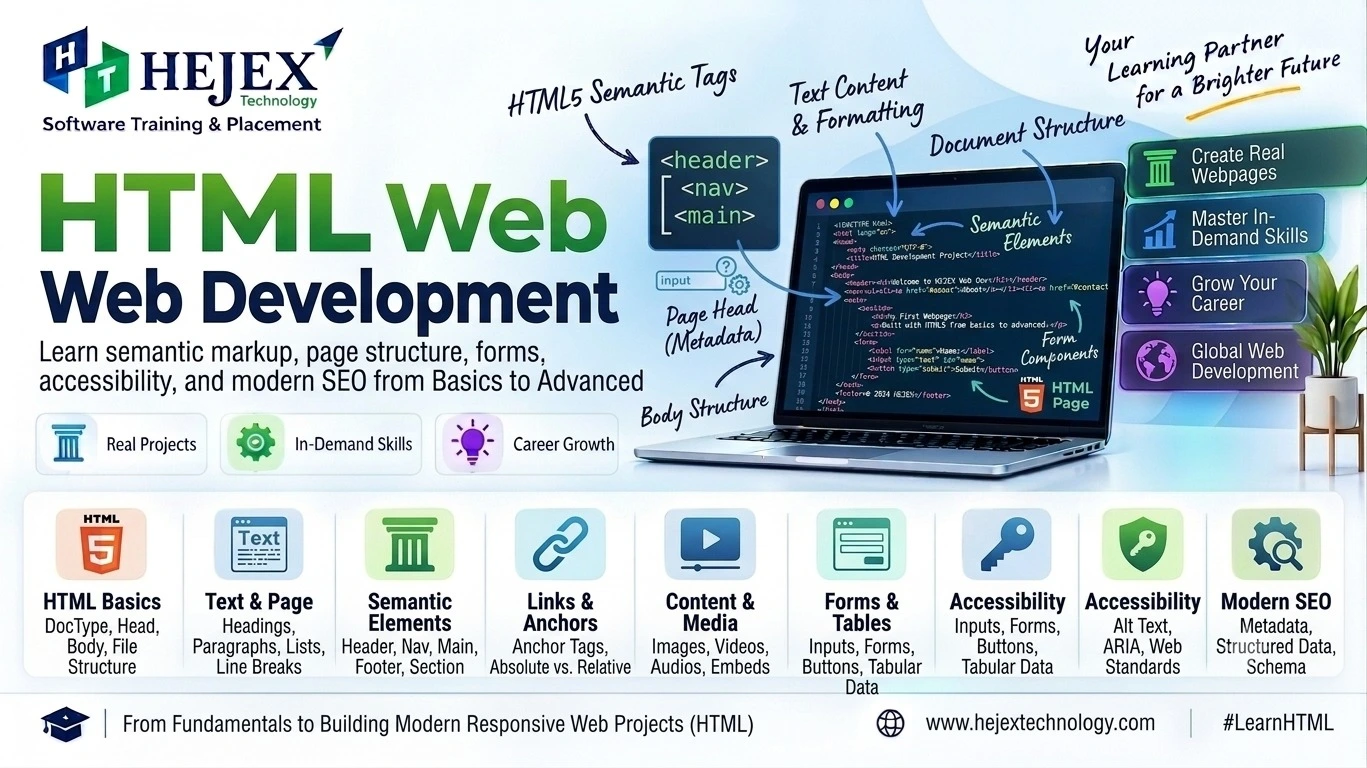
What is HTML?
HTML (HyperText Markup Language) is the standard markup language used to structure content on web pages. HTML describes what a piece of content is and how it relates to other content: a heading, paragraph, link, image, list, form, article or other part of a document. Browsers parse HTML and build a document structure that can be displayed and interpreted by users and assistive technologies.
HTML is not responsible for all aspects of a web application. CSS is normally used for presentation and responsive layout, while JavaScript provides programming logic and dynamic behavior. A useful mental model is: HTML = structure and meaning, CSS = presentation, JavaScript = behavior.
Is HTML a Programming Language?
No. HTML is a markup language, not a programming language. It does not provide programming constructs such as loops, functions or conditional logic. Its purpose is to describe document structure and semantics. JavaScript, Java, Python and other programming languages can provide application logic around HTML.
Practical learning note:
A strong understanding of CSS fundamentals and JavaScript fundamentals makes modern front-end development easier to learn. HTML provides the structure of a web page, CSS controls its appearance, and JavaScript adds interactivity and dynamic behavior.
Learners who want structured practical training can explore Front End Developer Course in Chennai after completing the HTML fundamentals covered in this tutorial.
HTML Installation and Setup
HTML does not require a separate compiler or server for basic learning. A code
editor and a web
browser are enough.
Create a file ending in .html, save it, and open it in a browser.
Using VS Code
- Create a folder such as
my-html-project. - Open the folder in Visual Studio Code or another code editor.
- Create
index.html. - Write HTML, save the file and open it in a browser.
my-html-project/
└── index.html
A development server is optional for simple HTML pages, but it becomes useful when a project contains JavaScript modules, APIs, routing or other development tooling.
HTML Document Structure
A standard HTML document contains a doctype, the html root element, a
head
for metadata and a
body for document content. The lang attribute identifies
the primary
language of the document.
<!doctype html>
<html lang="en">
<head>
    <meta charset="UTF-8">
    <meta name="viewport" content="width=device-width, initial-scale=1.0">
    <title>My First Web Page</title>
</head>
<body>
    <h1>Hello, HTML!</h1>
    <p>Welcome to my first web page.</p>
</body>
</html>HTML Elements, Tags and Attributes
What is an HTML Element?
An HTML element is a complete item in the document, such as a paragraph, heading or
link. A typical
element has a start tag,
content and an end tag: <p>Hello</p>. Some elements are
void
elements and do not
have end tags, including img, input, br and
meta.
What is an HTML Tag?
A tag is the markup syntax used to identify an element, for example
<p> and
</p>.
In everyday development, “tag” and “element” are often used interchangeably, but an
element includes
the complete structure,
while a tag is one part of that structure.
HTML Attributes
Attributes provide additional information or behavior for an element. They appear in
the start tag,
such as
href on a link, src and alt on an image, and
id
and class
for identification and styling hooks.
<a href="https://example.com" title="Visit Example">
    Visit Example
</a>
HTML Text, Links, Images and Lists
Headings and Paragraphs
Use headings to describe the hierarchy of the content, not merely to make text look
larger. A page
normally has one clear
primary h1, followed by relevant h2 and h3
headings. Use
p for paragraphs.
<h1>HTML Tutorial</h1>
<h2>HTML Basics</h2>
<p>HTML provides the structure and meaning of web content.</p>
Text Emphasis
Prefer elements according to meaning. strong represents strong
importance,
em represents emphasis,
mark highlights relevant text, and b/i can be
used where the
visual distinction is
meaningful without implying importance or emphasis.
Links
The a element creates hyperlinks. Use descriptive link text so users
and assistive
technologies can understand
the destination without relying on surrounding text.
<a href="https://hejextechnology.com/tutorials.html">
    Explore Hejex Technology Tutorials
</a>
Images
The img element embeds an image. The alt attribute should
describe the
image when it conveys
information. For decorative images, an empty alt="" can be appropriate.
Do not use
filenames or keyword stuffing
as a substitute for useful alternative text.
<img src="html-tutorial.webp"
alt="HTML document structure example"
width="800"
height="450"
loading="lazy">
Lists
Use ul for unordered items, ol when order matters, and
li for
list items.
Description lists use dl, dt and dd.
<ul>
    <li>HTML</li>
    <li>CSS</li>
    <li>JavaScript</li>
</ul>

<ol>
    <li>Learn HTML</li>
    <li>Learn CSS</li>
    <li>Learn JavaScript</li>
</ol>
HTML Tables and Forms
HTML Tables
Tables are for genuinely tabular data, not page layout. Use caption for
a useful table
title when appropriate,
thead/tbody for structure, and th with an
appropriate
scope for headings.
<table>
<caption>Student Course Enrollment</caption>
<thead>
    <tr>
        <th scope="col">Name</th>
        <th scope="col">Course</th>
        <th scope="col">Status</th>
    </tr>
</thead>
<tbody>
    <tr>
        <td>Dhanush</td>
        <td>HTML</td>
        <td>Active</td>
    </tr>
</tbody>
</table>
HTML Forms
The form element groups controls used to collect and submit user data.
A good form uses
explicit labels,
meaningful name values, suitable input types and built-in constraints
such as
required when needed.
Client-side validation improves user experience; important data must still be
validated on the
server.
<form action="/register" method="post">
    <label for="name">Full name</label>
    <input id="name" name="name" type="text" required>

    <label for="email">Email</label>
    <input id="email" name="email" type="email" required>

    <button type="submit">Register</button>
</form>
Common Input Types
HTML provides input types such as text, password,
email,
number,
date, radio, checkbox, file,
color,
range,
search, tel, url, submit and
reset.
Choose the type that
matches the data so browsers can provide appropriate controls and validation.
What is Semantic HTML?
Semantic HTML means choosing elements that communicate the purpose of their content.
Instead of
using div for
everything, use elements such as header, nav,
main,
section,
article, aside and footer when their meanings
fit the
content.
<header>
    <h1>HeJex Learning Hub</h1>
</header>

<nav aria-label="Primary navigation">
    <a href="/">Home</a>
    <a href="/tutorials.html">Tutorials</a>
</nav>

<main>
    <article>
        <h2>HTML Tutorial</h2>
        <p>Learn HTML from the fundamentals to semantic markup.</p>
    </article>
</main>

<footer>
    <p>© 2026 Hejex Technology</p>
</footer>
Semantic markup improves document clarity and provides useful built-in semantics for browsers and assistive technologies. It is a foundation for accessible and maintainable pages; it is not a guarantee of SEO rankings by itself.
HTML Multimedia
Modern HTML includes native elements for audio and video. Use controls
when users need
playback controls,
provide appropriate fallback text, and consider captions or text alternatives for
accessible media.
Audio
<audio controls>
    <source src="lesson.mp3" type="audio/mpeg">
    Your browser does not support audio playback.
</audio>
Video
<video controls width="640" poster="lesson-poster.webp">
    <source src="lesson.mp4" type="video/mp4">
    Your browser does not support video playback.
</video>
HTML5 and Modern HTML
“HTML5” is widely used when discussing the modern generation of HTML features, but current HTML is maintained as a Living Standard. It is more accurate to treat HTML as an evolving standard rather than a technology frozen at one HTML5 release.
| Capability | Practical value |
|---|---|
| Semantic elements | Communicate document structure and meaning. |
| Native media | Embed audio and video with standard HTML elements. |
| Form controls | Use specialized input types and native constraint validation. |
| Graphics | Use Canvas and SVG for appropriate visual content. |
| Web platform APIs | Support capabilities beyond document markup through browser APIs. |
HTML Accessibility Basics
Accessible HTML helps people using screen readers, keyboards, magnification and other assistive technologies. Start with native HTML semantics before adding custom ARIA behavior.
- Use semantic elements: choose the right element for the job.
- Label controls: connect each form control with a meaningful
label. - Write useful alt text: describe informative images and use empty alt text for decorative images.
- Use links for navigation: use buttons for actions.
- Maintain heading hierarchy: make headings meaningful and logically ordered.
- Make tables understandable: use captions and proper header cells for data tables.
- Support keyboard use: do not replace native interactive elements with clickable generic containers.
<label for="email">Email address</label>
<input id="email" name="email" type="email" autocomplete="email" required>
HTML SEO Basics
HTML does not guarantee search rankings, but clear structure helps search engines and users interpret a page. Focus on satisfying the user's intent rather than repeating keywords.
- Use a unique, descriptive title: make the primary topic immediately clear.
- Write a useful meta description: summarize the page accurately; it is not a direct ranking guarantee.
- Use meaningful headings: organize information around real topics and questions.
- Use descriptive links: link text should communicate the destination.
- Use semantic structure: make the document easy to understand.
- Optimize images: use appropriate dimensions, useful alt text and efficient formats.
- Build topical relationships: link naturally to related CSS, JavaScript, ReactJS and full stack resources.
Common HTML Mistakes
- Incorrect nesting: keep elements in a valid, understandable hierarchy.
- Using headings for visual size: use CSS for appearance and headings for structure.
- Using div for everything: prefer semantic elements when their meaning fits.
- Missing image alternatives: provide appropriate
alttext. - Unlabeled form controls: associate labels explicitly or implicitly with controls.
- Using tables for layout: tables are for tabular data.
- Using obsolete presentational markup: keep presentation in CSS rather than relying on old HTML presentation attributes.
- Duplicate IDs: an
idshould identify one unique element within a document.
HTML Best Practices
- Start with
<!doctype html>and a correct document language. - Keep the HTML structure meaningful and readable.
- Use semantic elements where they accurately describe the content.
- Keep structure, styling and behavior conceptually separate.
- Use meaningful attributes such as
alt,name,forandautocompletewhere appropriate. - Use native controls before building custom interactive widgets.
- Validate and test pages with browsers, keyboard navigation and accessibility tools.
- Use descriptive URLs and internal links that help users continue their learning journey.
HTML Learning Roadmap
Learn HTML in a dependency-friendly order rather than memorizing isolated tags.
- Document foundation: doctype, html, head, body, metadata and page structure.
- Core elements: headings, paragraphs, text semantics, links, images and lists.
- Structured data: tables, forms, inputs, validation and form semantics.
- Semantic HTML: header, nav, main, section, article, aside and footer.
- Accessibility: labels, alt text, keyboard-friendly native controls and logical headings.
- SEO foundations: titles, descriptions, headings, links, images and crawl-friendly structure.
- CSS: selectors, box model, Flexbox, Grid and responsive design.
- JavaScript: variables, functions, events, DOM, modules and asynchronous programming.
- Modern frontend: ReactJS or Angular after building a solid JavaScript foundation.
- Full stack: APIs, backend development, databases, authentication and deployment.
What to Learn After HTML?
After learning HTML fundamentals, the next step is to learn CSS for styling, responsive layouts and visual presentation. You can then learn JavaScript to add programming logic, events, DOM manipulation and dynamic behaviour to web pages.
After building a strong foundation in HTML, CSS and JavaScript, you can strengthen your frontend development skills by exploring the Front End Developer Course in Chennai .
Those progressing toward complete web application development can explore the Full Stack Developer Course in Chennai to learn frontend, backend, databases, APIs and application development.
Frequently Asked Questions About HTML
What is HTML?
HTML is the standard markup language used to structure and describe content on web pages.
Is HTML a programming language?
No. HTML is a markup language. JavaScript and other programming languages are used for programming logic.
What is HTML5?
HTML5 is a common name for the modern generation of HTML. Today, the HTML standard is maintained as a Living Standard.
Do I need to install HTML?
No. A code editor and browser are enough to start writing and viewing HTML.
What is semantic HTML?
Semantic HTML uses elements that communicate meaning and purpose, such as
main,
nav, article and footer.
Is HTML important for accessibility?
Yes. Correct native HTML, labels, useful alt text, logical headings and keyboard-friendly controls form an important accessibility foundation.
Is HTML important for SEO?
Yes. Clear titles, headings, semantic structure, descriptive links and useful image alternatives help users and search engines understand a page.
Can I build a website using only HTML?
Yes. You can create a basic static page with HTML alone. CSS and JavaScript are normally added for presentation and behavior.
What should I learn after HTML?
Learn CSS next, followed by JavaScript. Then consider ReactJS or Angular and continue toward backend, databases and full stack development.
How long does it take to learn HTML?
Basic syntax can be learned quickly, but practical confidence comes from building pages and practicing structure, forms, semantics, accessibility and real projects.