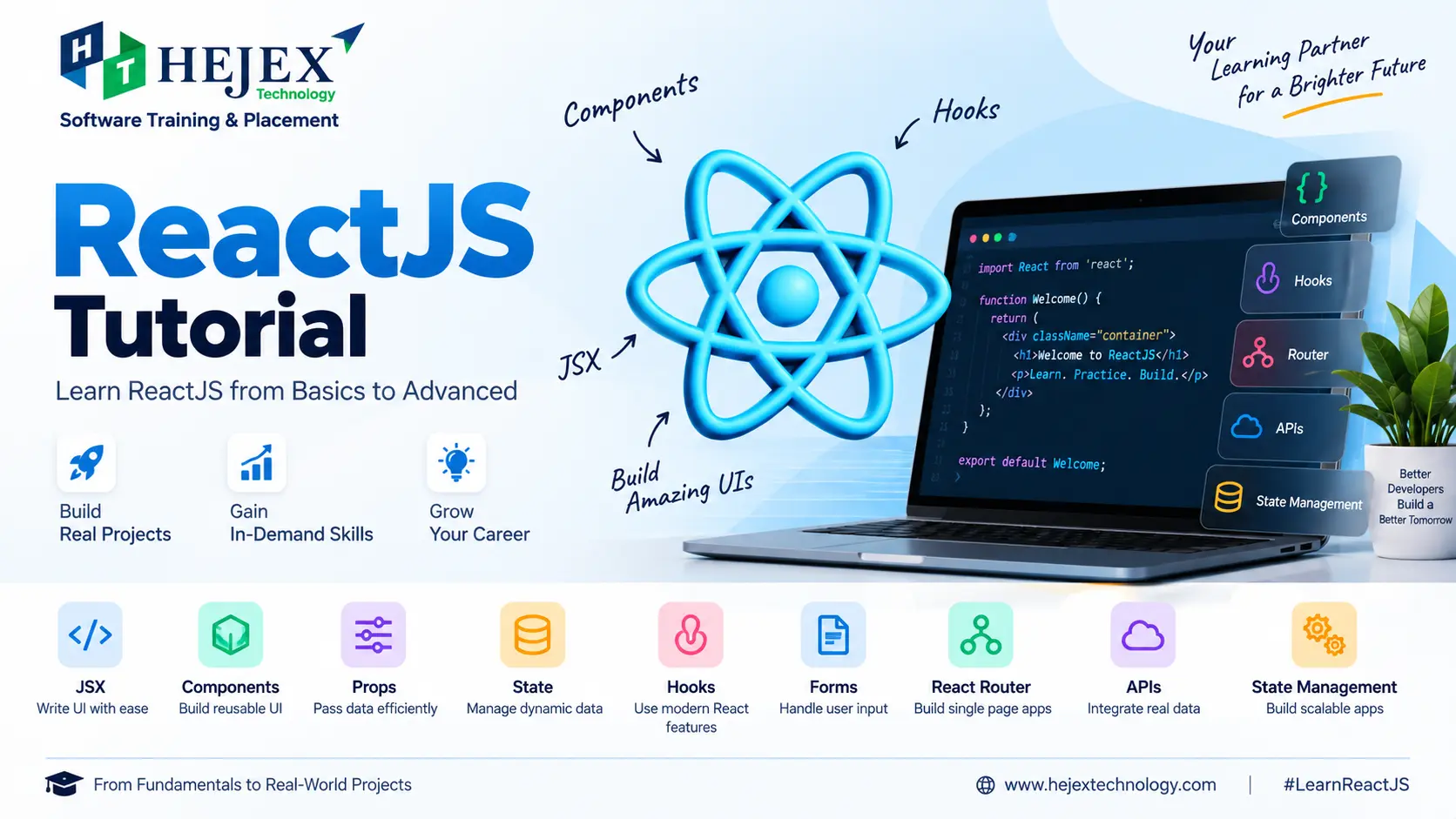
What is ReactJS?
ReactJS is a JavaScript library for building interactive user interfaces from reusable components. A React application can be divided into smaller components, such as navigation bars, product cards, forms, dashboards and page sections. Each component can receive data through props, manage changing data with state, respond to user events and render the appropriate interface.
React commonly uses JavaScript and JSX. JSX allows developers to describe UI markup inside JavaScript, while React's component model helps organize an application into reusable pieces. Understanding JSX, components, props, state and events provides the foundation for learning more advanced React development.
function Welcome() {
	return <h2>Welcome to ReactJS</h2>;
}

export default Welcome;
Here, Welcome is a function component that returns JSX. Larger React
applications are created by composing components together rather than placing the
entire
interface inside one component.
Why is ReactJS Used for Web Development?
React is useful for applications that need reusable UI, interactive behaviour and interfaces that respond to changing data. Its declarative approach lets developers describe the interface for a particular state while React manages the resulting updates.
- Reusable components: Build a UI element once and use it with different data.
- Component composition: Combine smaller components to create complete application features.
- State-driven UI: Render updated information when application state changes.
- Flexible ecosystem: Add routing, API communication, testing and other tools according to project requirements.
Where is ReactJS Used?
React can be used for interactive web applications such as e-commerce interfaces, dashboards, customer portals, administrative systems and single-page applications. For example, an e-commerce application may use components for product cards, filters, carts and checkout forms, while a dashboard may use components for tables, charts, filters and summary cards.
ReactJS Core Concepts
| Concept | Purpose | Example Use |
|---|---|---|
| JSX | Describes UI markup using JavaScript syntax | Writing component interfaces |
| Components | Divide the UI into reusable units | Pages, cards, forms and features |
| Props | Pass data into components | Reusable components with different values |
| State | Store data that changes during application use | Forms, counters and filters |
| Hooks | Use React features in function components | State, effects, context and references |
| Events | Respond to user actions | Clicks, input and form submission |
ReactJS vs Traditional JavaScript
React does not replace JavaScript. Traditional JavaScript can manipulate DOM elements directly, while React provides a component-oriented and declarative approach for organizing interactive interfaces. The right choice depends on the application requirements and the amount of UI complexity.
| Aspect | Traditional JavaScript | ReactJS |
|---|---|---|
| UI organization | HTML, JavaScript and DOM operations | Reusable components |
| Rendering approach | Developers can update DOM elements directly | UI is described from data and state |
| Reusability | Depends on implementation | Component reuse is a core pattern |
Practical learning note:
A strong understanding of JavaScript fundamentals makes React easier to learn. Functions, arrays, objects, modules, events, promises and asynchronous programming are especially useful before moving into advanced React development.
Learners who want structured practical training can explore React JS Training in Chennai after completing the fundamentals covered in this tutorial.
ReactJS Installation and Setup
A local React development environment normally uses Node.js and npm. For learning and building a React application from scratch, Vite provides a modern development and build workflow.
Node.js and npm
Node.js provides the JavaScript runtime used by development tools, while npm is used to install project dependencies and run scripts.
node --version
npm --version
Create a React App with Vite
npm create vite@latest my-react-app -- --template react
cd my-react-app
npm install
npm run dev
Vite will create the project files and start a development server. Open the local URL displayed in the terminal to view the application in your browser.
Common React Project Structure
my-react-app/
├── public/
├── src/
│   ├── assets/
│   ├── App.jsx
│   ├── main.jsx
│   └── index.css
├── index.html
├── package.json
└── vite.config.js
The src directory normally contains application source code.
App.jsx commonly contains the main application component,
main.jsx is an entry point, and package.json contains
project
dependencies and scripts.
Important: Create React App is deprecated for new applications. This tutorial therefore uses Vite rather than presenting Create React App as the current setup.
ReactJS Basics
What is JSX in ReactJS?
JSX is a syntax extension commonly used with React that lets developers write HTML-like markup inside JavaScript. JavaScript expressions can be inserted using curly braces.
function App() {
	const name = "John";

	return (
		<div>
			<h1>Hello {name}</h1>
			<p>Welcome to React</p>
		</div>
	);
}

export default App;
Components and Props
A React component is a reusable UI unit. Props are inputs passed into a component, commonly from a parent component to a child component.
function Student({ name, course }) {
	return (
		<div>
			<h3>{name}</h3>
			<p>Course: {course}</p>
		</div>
	);
}

function App() {
	return (
		<>
			<Student name="Arun" course="Java Full Stack" />
			<Student name="Priya" course="Data Analytics" />
		</>
	);
}

export default App;
State
State is data managed by a component that can change during application use. When state changes, React can render the component again using the updated value.
import { useState } from "react";

function Counter() {
	const [count, setCount] = useState(0);

	return (
		<div>
			<p>Count: {count}</p>
			<button onClick={() => setCount(count + 1)}>
				Increase
			</button>
		</div>
	);
}

export default Counter;
Event Handling
React responds to user interaction through event props such as onClick,
onChange and onSubmit.
function App() {
	function handleClick() {
		alert("Button clicked");
	}

	return (
		<button onClick={handleClick}>
			Click Me
		</button>
	);
}

export default App;
Conditional Rendering
Conditional rendering displays different UI depending on application data.
function Status({ isLoggedIn }) {
	return isLoggedIn
		? <p>Welcome back</p>
		: <p>Please sign in</p>;
}

export default Status;
ReactJS Hooks
React Hooks are functions that let function components use React features such as
state,
effects, context and references. Common Hooks include
useState(), useEffect(), useContext(),
useRef(), useMemo() and useCallback().
useState()
useState() returns a state value and a setter function.
const [count, setCount] = useState(0);useEffect()
useEffect() is used to synchronize a component with an external system
such
as a network request, subscription, browser API or other non-React system. Its
dependency
list determines when the effect is re-run.
import { useEffect } from "react";

function App() {
	useEffect(() => {
		document.title = "React Tutorial";
	}, []);

	return <h2>Hello React</h2>;
}

export default App;
useContext()
useContext() reads a value supplied by React Context and can avoid
passing
the same data through many intermediate components.
import { createContext, useContext } from "react";

const UserContext = createContext(null);

function Profile() {
	const user = useContext(UserContext);
	return <h3>Welcome, {user}</h3>;
}

function App() {
	return (
		<UserContext.Provider value="John">
			<Profile />
		</UserContext.Provider>
	);
}

export default App;
useRef()
useRef() stores a value that persists between renders without causing a
re-render when the value changes. It is also commonly used to reference a DOM
element.
import { useRef } from "react";

function App() {
	const inputRef = useRef(null);

	function focusInput() {
		inputRef.current?.focus();
	}

	return (
		<div>
			<input ref={inputRef} type="text" />
			<button onClick={focusInput}>Focus Input</button>
		</div>
	);
}

export default App;
useMemo() and useCallback()
useMemo() caches the result of a calculation, while
useCallback()
caches a function definition between renders. Both are performance optimization
tools and
should be used when they provide a measurable or meaningful benefit rather than by
default.
import { useMemo, useCallback, useState } from "react";

const products = [
	{ id: 1, price: 100 },
	{ id: 2, price: 200 }
];

function ProductSummary() {
	const [selectedId, setSelectedId] = useState(null);

	const total = useMemo(
		() => products.reduce((sum, product) => sum + product.price, 0),
		[]
	);

	const handleSelect = useCallback((id) => {
		setSelectedId(id);
	}, []);

	return (
		<div>
			<p>Total: {total}</p>
			<button onClick={() => handleSelect(1)}>
				Select Product
			</button>
			<p>Selected ID: {selectedId}</p>
		</div>
	);
}

export default ProductSummary;
Rules of Hooks
Call Hooks only at the top level of a React function component or custom Hook. Do not call Hooks inside loops, conditions, nested functions or ordinary non-Hook functions.
React Lists and Forms
Rendering Lists and Keys
JavaScript's map() method is commonly used to render collections. Each
item
should have an appropriate stable key.
function Students() {
const students = [
	{ id: 1, name: "Arun" },
	{ id: 2, name: "Priya" },
	{ id: 3, name: "Rahul" }
];

return (
	<ul>
		{students.map(student => (
			<li key={student.id}>{student.name}</li>
		))}
	</ul>
);
}

export default Students;
Prefer a stable identifier from your data instead of the array index when items can be inserted, deleted or reordered.
Controlled Forms
In a controlled form, React state is the source of the input value and
onChange updates that state.
import { useState } from "react";

function ContactForm() {
	const [email, setEmail] = useState("");

	function handleSubmit(event) {
		event.preventDefault();
		console.log(email);
	}

	return (
		<form onSubmit={handleSubmit}>
			<label htmlFor="email">Email</label>

			<input
				id="email"
				type="email"
				value={email}
				onChange={event => setEmail(event.target.value)}
			/>

			<button type="submit">Submit</button>
		</form>
	);
}

export default ContactForm;
Form Validation
Client-side validation can provide immediate feedback for required fields and expected formats. Important data should also be validated on the server because browser-side validation alone is not a security boundary.
React Router and Navigation
React Router provides routing for React applications. A route associates a URL pattern with the UI that should be rendered for that location.
Installation and Basic Routes
npm install react-router-domimport {
BrowserRouter,
Routes,
Route
} from "react-router-dom";
function Home() {
return <h2>Home</h2>;
}
function About() {
return <h2>About</h2>;
}
function App() {
return (
<BrowserRouter>
<Routes>
<Route path="/" element={<Home />} />
<Route path="/about" element={<About />} />
</Routes>
</BrowserRouter>
);
}
export default App;Route Parameters
Dynamic route parameters represent values in the URL, such as a product or user ID.
<Route
	path="/products/:id"
	element={<Product />}
/>
import { useParams } from "react-router-dom";
function Product() {
const { id } = useParams();
return <p>Product ID: {id}</p>;
}
export default Product;Navigation
import { Link } from "react-router-dom";

function Navbar() {
	return (
		<nav>
			<Link to="/">Home</Link>
			<Link to="/about">About</Link>
		</nav>
	);
}

export default Navbar;
Programmatic Navigation
import { useNavigate } from "react-router-dom";

function LoginButton() {
	const navigate = useNavigate();

	function handleLogin() {
		// Complete authentication first.
		navigate("/dashboard");
	}

	return <button onClick={handleLogin}>Login</button>;
}

export default LoginButton;
API Integration in ReactJS
React applications often communicate with backend services to retrieve or send data. Browser-based applications can use the Fetch API directly, while Axios is an optional HTTP client library.
Fetch API with Loading and Error Handling
import { useEffect, useState } from "react";

function Products() {
	const [products, setProducts] = useState([]);
	const [loading, setLoading] = useState(true);
	const [error, setError] = useState("");

	useEffect(() => {
		async function loadProducts() {
			try {
				const response = await fetch(
					"https://example.com/api/products"
				);

				if (!response.ok) {
					throw new Error("Request failed");
				}

				const data = await response.json();
				setProducts(data);
			} catch (error) {
				setError("Unable to load products.");
			} finally {
				setLoading(false);
			}
		}

		loadProducts();
	}, []);

	if (loading) {
		return <p>Loading products...</p>;
	}

	if (error) {
		return <p>{error}</p>;
	}

	return (
		<ul>
			{products.map(product => (
				<li key={product.id}>{product.name}</li>
			))}
		</ul>
	);
}

export default Products;
The URL above is an example endpoint and must be replaced with the API used by the application. A reliable API integration should handle loading, successful responses, failures and unexpected response data.
Axios
npm install axiosimport axios from "axios";
async function getUsers() {
const response = await axios.get(
"https://example.com/api/users"
);
return response.data;
}GET requests commonly retrieve data, while POST requests commonly send data to create a resource. Authentication, authorization, input validation and server-side error handling belong to the complete application architecture rather than the React UI alone.
State Management in ReactJS
State management is the process of deciding where application data should live and how components should read and update it. Start with the simplest approach that satisfies the application's requirements.
Local State
Use local state when information belongs to one component or one small feature.
Lifting State Up
When related components need the same state, move that state to their closest common parent and pass the required values and event handlers through props.
Context API
Context can share values such as a current user, theme or language across a component tree without passing the same prop through every intermediate component.
| Approach | Suitable For |
|---|---|
| Local state | Data used by one component |
| Lifting state up | Shared state between related components |
| Context API | Shared values across a component tree |
| External state solution | More complex application-wide requirements |
Common ReactJS Mistakes
- Mutating state directly: Use the state setter and appropriate immutable update patterns.
- Using unstable list keys: Prefer stable identifiers from the underlying data.
- Incorrect effect dependencies: Keep an effect's dependencies consistent with the reactive values it uses.
- Making one component do everything: Separate UI responsibilities into meaningful components.
- Overusing Context: Use Context for genuinely shared values rather than making every piece of state global.
- Ignoring loading and error states: Represent asynchronous states clearly in API-driven interfaces.
- Adding memoization everywhere: Use performance optimizations where they solve a real performance concern.
A useful development rule is to keep components focused, keep state close to where it is needed, and introduce additional architecture when the application actually requires it.
ReactJS Learning Roadmap
Learn React in dependency order rather than treating every topic as an isolated feature.
- JavaScript fundamentals: functions, arrays, objects, modules, events, promises and asynchronous programming.
- React basics: JSX, components, props, state and events.
- Interactive UI: conditional rendering, lists, keys and forms.
- Hooks: useState, useEffect, useContext, useRef and appropriate optimization Hooks.
- Routing: routes, navigation and dynamic parameters.
- API integration: Fetch or Axios, asynchronous requests and loading/error handling.
- State management: local state, lifting state and Context.
- Projects: combine multiple concepts in complete applications.
- Production skills: testing, TypeScript, deployment, authentication and backend integration.
ReactJS vs Angular
React is a JavaScript library focused primarily on UI development, while Angular is a broader web application framework. Both can be used to build professional applications; the right choice depends on project requirements, team preferences and the surrounding technology stack.
| Aspect | React | Angular |
|---|---|---|
| Type | JavaScript library | Web framework |
| Common language | JavaScript / TypeScript | TypeScript |
| UI model | Component-based | Component-based |
| Routing | Typically provided by an added routing solution | Angular Router |
| Overall approach | Flexible ecosystem | More integrated framework approach |
Developers comparing these frontend technologies can also explore Angular Training in Chennai for a deeper look at Angular development.
What to Learn After ReactJS?
After learning React fundamentals, useful next skills include TypeScript, testing, API design, authentication, deployment and backend development. React can be combined with different backend technologies depending on the application's requirements and the developer's career direction.
After learning ReactJS, you can strengthen your frontend development skills by exploring the Front End Developer Course in Chennai .
Learners who want deeper React-focused training can explore React JS Training in Chennai .
Those progressing toward complete application development can explore the Full Stack Developer Course in Chennai .
Frequently Asked Questions About ReactJS
What is ReactJS?
ReactJS is a JavaScript library for building interactive user interfaces with reusable components.
Is ReactJS a programming language?
No. ReactJS is a JavaScript library. JavaScript is the programming language used to write React applications.
Do I need JavaScript before learning ReactJS?
Yes. JavaScript fundamentals such as functions, arrays, objects, modules, events, promises and asynchronous programming make React easier to learn.
What is JSX in ReactJS?
JSX is a syntax extension commonly used with React that lets developers write HTML-like UI markup inside JavaScript.
What are React components?
React components are reusable pieces of UI that can receive data, render content and contain the logic required for their part of an application.
What is the difference between props and state?
Props are inputs passed into a component, while state is data managed by a component that can change during application use.
What are React Hooks?
React Hooks are functions that let function components use React features such as state, effects, context and references.
What is useState() in ReactJS?
useState() creates a state value and a setter function that updates
that
state.
What is useEffect() in ReactJS?
useEffect() is used to synchronize a component with an external system
such
as a network request, subscription or browser API.
What is React Router?
React Router provides routing for React applications by connecting URL paths with the UI that should be displayed for those locations.
Can ReactJS connect to an API?
Yes. React applications can communicate with backend APIs using browser features such as Fetch or libraries such as Axios.
Should I use useMemo() and useCallback() everywhere?
No. They are performance optimization tools and are most useful when there is a specific reason to cache a calculation or function between renders.
How long does it take to learn ReactJS?
The time depends on your JavaScript knowledge, learning pace and practical experience. A structured path from JavaScript fundamentals through React projects is more useful than focusing only on a fixed number of study days.
ReactJS or Angular: Which should I learn?
Both can be used for professional web development. Choose based on the project's requirements, ecosystem, team environment and your preferred development approach.