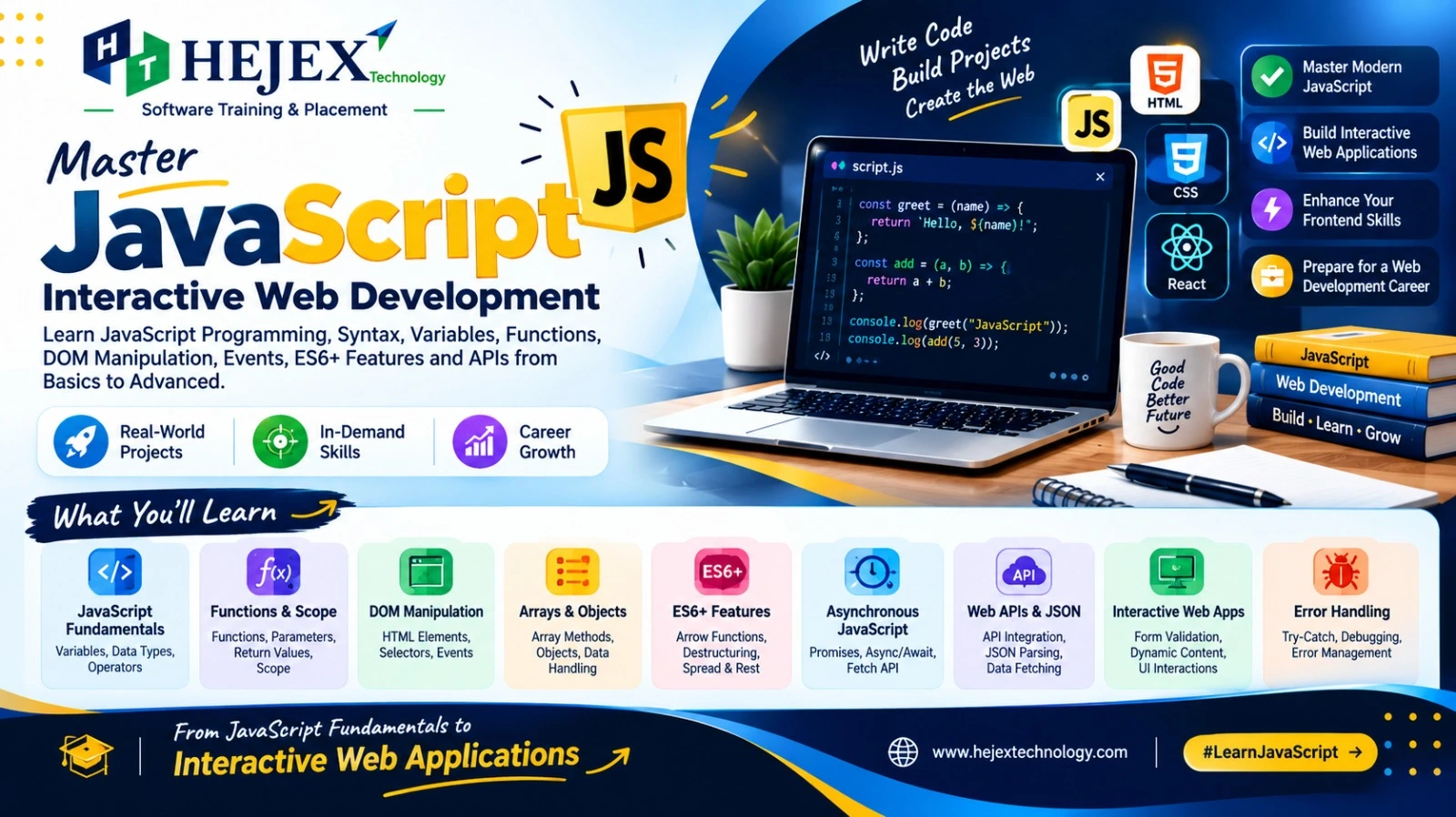
What is JavaScript?
JavaScript is a high-level, dynamically typed programming language used to create interactive and dynamic software. On the web, it runs in browsers and can work with HTML, CSS and browser APIs. JavaScript can also run outside the browser, including on servers with runtimes such as Node.js.
HTML defines structure, CSS controls presentation, and JavaScript provides behavior and application logic. JavaScript can respond to user actions, validate input, update page content, communicate with APIs and manage application state.
Why Learn JavaScript?
- It is a core technology for interactive web development.
- It works directly with browser APIs and the DOM.
- It is used in frontend and server-side development.
- Its language fundamentals support libraries and frameworks such as React and Angular.
- It is useful for building websites, web applications, APIs and other software.
Learners who want to apply JavaScript alongside HTML, CSS and other web development technologies can explore the Web Developer Course in Chennai for a structured learning path toward practical web development.
JavaScript Setup
You do not need a separate compiler to start browser-based JavaScript. A modern browser and a code editor such as VS Code are enough. You can also test short statements in the browser Developer Tools Console.
console.log("Hello, JavaScript!");For a webpage, connect an external JavaScript file with a script element. Using
defer lets the browser download the script without blocking HTML
parsing and executes it after the document has been parsed.
<script src="script.js" defer></script>JavaScript Syntax and Variables
JavaScript syntax defines how statements, expressions, identifiers and blocks are written. JavaScript is case-sensitive. Semicolons are optional in many cases because of automatic semicolon insertion, but a consistent style is recommended.
const name = "Anu";
let age = 22;
age = 23;

console.log(name, age);
Use const by default when a binding will not be reassigned and
let when it will. var is function-scoped and is generally
avoided in new code.
| Keyword | Scope | Reassignment | Modern use |
|---|---|---|---|
let |
Block | Yes | Use when value changes |
const |
Block | No | Preferred default |
var |
Function | Yes | Mainly legacy code |
Data Types in JavaScript
JavaScript is dynamically typed, so variables do not have a fixed declared type. The language has seven primitive types: string, number, bigint, boolean, undefined, symbol and null. Objects are the non-primitive reference type category and include arrays, functions and many built-in objects.
| Type | Example |
|---|---|
| String | "Hello" |
| Number | 42 |
| BigInt | 123n |
| Boolean | true |
| Undefined | undefined |
| Null | null |
| Symbol | Symbol("id") |
| Object | { name: "Anu" } |
const value = 25;
console.log(typeof value); // "number"
JavaScript Operators
Operators perform calculations, comparisons, assignments and logical operations.
- Arithmetic:
+ - * / % ** - Assignment:
= += -= *= /= %= - Comparison:
=== !== > < >= <= - Logical:
&& || ! - Ternary:
condition ? value1 : value2
const age = 20;
const status = age >= 18 ? "Adult" : "Minor";
console.log(status);
Strict equality with === compares value and type and is generally
preferred over loose equality ==.
Conditional Statements
Conditional statements choose which code runs based on a condition. Common forms are
if, else if, else and switch.
const marks = 78;

if (marks >= 90) {
    console.log("A");
} else if (marks >= 75) {
    console.log("B");
} else {
    console.log("C or below");
}
Use switch when one expression is compared with multiple cases. Use the
ternary operator for short conditional expressions rather than complex logic.
Loop Statements
Loops repeat code. Use a traditional for loop when you need an index or
explicit control, while when the number of iterations depends on a
condition, and for...of when iterating over iterable values.
const fruits = ["Apple", "Banana", "Mango"];

for (const fruit of fruits) {
    console.log(fruit);
}
break exits a loop and continue skips the current
iteration. A do...while loop always executes its body at least once.
JavaScript Functions
Functions package reusable logic. They can accept parameters and return values. JavaScript supports declarations, expressions and arrow functions.
function add(a, b) {
    return a + b;
}

const result = add(10, 20);
console.log(result);
Arrow functions provide concise syntax and have lexical this behavior,
which makes them common in callbacks and modern frontend code.
const square = number => number * number;
console.log(square(5));
JavaScript Strings
Strings represent text and can be written with single quotes, double quotes or template literals. Strings are immutable; methods return new strings rather than changing the original string.
const text = " JavaScript Tutorial ";

console.log(text.trim());
console.log(text.toUpperCase());
console.log(text.includes("Tutorial"));
console.log(text.slice(1, 11));
Template literals make interpolation and multiline strings convenient.
const name = "Anu";
console.log(`Hello, ${name}!`);
JavaScript Arrays
An array is an ordered collection accessed with zero-based indexes. Arrays can contain values of different types, although keeping related data consistent is usually easier to maintain.
const numbers = [10, 20, 30];

console.log(numbers[0]);
console.log(numbers.length);

numbers.push(40);
console.log(numbers);
Common methods include push(), pop(), slice(),
includes(), forEach(), map(),
filter() and find().
const prices = [100, 200, 300];
const discounted = prices.map(price => price * 0.9);
console.log(discounted);
JavaScript Objects
Objects group related data and behavior using key-value properties. They are fundamental to JavaScript and are widely used to represent application data.
const student = {
    name: "Anu",
    age: 22,
    course: "JavaScript"
};

console.log(student.name);
student.age = 23;
Modern JavaScript also provides Set for unique values and
Map for key-value collections with keys of any type.
DOM Manipulation
The Document Object Model (DOM) represents a webpage as objects that JavaScript can read and modify. Common operations include selecting elements, changing content, managing attributes and creating elements.
<h2 id="title">Old Title</h2>

<script>
const title = document.querySelector("#title");
title.textContent = "New Title";
title.classList.add("active");
</script>
Prefer textContent when inserting plain text. Use innerHTML
only when HTML insertion is intentional and the content is trusted or properly
sanitized.
JavaScript Events
Events represent browser or user actions such as clicks, keyboard input, form
submission and pointer movement. addEventListener() is the standard way
to register event handlers.
<button id="btn">Click Me</button>

<script>
document.querySelector("#btn").addEventListener("click", () => {
    console.log("Button clicked");
});
</script>
For forms and links, event.preventDefault() can stop the browser's
default action when the application needs to handle it with JavaScript.
Modern JavaScript ES6+
ES6, formally ECMAScript 2015, introduced major language improvements. Modern JavaScript continues to evolve through newer ECMAScript editions.
letandconst- Arrow functions
- Template literals
- Destructuring
- Default parameters
- Spread and rest syntax
- Classes and modules
for...of- Promises and other modern APIs
const user = { name: "Anu", age: 22 };
const { name, age } = user;

const updatedUser = { ...user, age: 23 };
console.log(name, updatedUser);
Asynchronous JavaScript
Asynchronous programming allows JavaScript applications to start operations that complete later, such as timers and network requests, without blocking the main JavaScript thread while waiting.
A Promise represents the eventual fulfillment or rejection of an asynchronous
operation. async/await provides readable syntax for
working with Promises.
async function loadData() {
    try {
        const response = await fetch("https://jsonplaceholder.typicode.com/users");
        if (!response.ok) {
            throw new Error(`HTTP error: ${response.status}`);
        }
        const users = await response.json();
        console.log(users);
    } catch (error) {
        console.error("Request failed:", error);
    }
}

loadData();
Fetch API and JSON
The Fetch API provides a Promise-based interface for making HTTP requests. JSON is a common text format for exchanging structured data between a browser and a server.
fetch("https://jsonplaceholder.typicode.com/users")
    .then(response => {
        if (!response.ok) throw new Error(`HTTP ${response.status}`);
        return response.json();
    })
    .then(data => console.log(data))
    .catch(error => console.error(error));
In real applications, handle network failures and non-success HTTP responses explicitly, and validate external data before using it.
Common JavaScript Mistakes
- Using
==when strict comparison with===is clearer. - Declaring variables without
letorconst. - Assuming
constmakes an object or array immutable; it prevents reassignment of the binding, not mutation of the referenced object. - Forgetting that array indexes start at zero.
- Trying to access a DOM element before it exists.
- Ignoring errors from asynchronous operations.
- Using
innerHTMLwith untrusted input. - Creating unnecessary global variables.
JavaScript Best Practices
- Prefer
constand useletwhen reassignment is required. - Use meaningful names and keep functions focused.
- Prefer strict equality and clear conditional logic.
- Reuse logic through functions and modules instead of duplicating code.
- Handle expected errors, especially around network requests and user input.
- Keep DOM, business logic and data handling organized.
- Validate and sanitize external input before using it.
- Use consistent formatting and test code in small steps.
JavaScript Learning Roadmap
- Fundamentals: syntax, variables, types and operators.
- Control flow: conditions and loops.
- Functions: parameters, return values, scope and arrow functions.
- Data handling: strings, arrays, objects, Set and Map.
- Browser development: DOM, events and forms.
- Modern JavaScript: destructuring, spread/rest, classes and modules.
- Asynchronous programming: callbacks, Promises and async/await.
- APIs: Fetch, HTTP concepts and JSON.
- Projects: calculator, to-do app, form validation, quiz or API-based application.
- Next step: Git/GitHub and a frontend library/framework such as React or Angular.
JavaScript vs Java
JavaScript and Java are different programming languages. Their names are similar, but their language design, runtimes and common development ecosystems differ.
| Feature | JavaScript | Java |
|---|---|---|
| Typing | Dynamically typed | Statically typed |
| Common web role | Browser frontend and server-side JavaScript | Commonly backend and enterprise development |
| Runtime | JavaScript engines and runtimes such as browsers or Node.js | JVM-based runtimes |
| Relationship | Not the same language as Java | Not the same language as JavaScript |
What to Learn After JavaScript?
After learning JavaScript fundamentals, the next step is to strengthen your frontend development skills by learning advanced JavaScript concepts, working with APIs, asynchronous programming, browser storage and modern development practices. You can then move into frontend frameworks or libraries such as React and Angular based on your learning goals and career direction.
If you want to build stronger frontend development skills after learning JavaScript, you can explore the Front End Developer Course in Chennai .
Learners interested in building component-based user interfaces can continue with React JS Training in Chennai and learn how JavaScript concepts are applied in modern frontend applications.
If your goal is to develop complete web applications, you can continue toward backend development and explore the Full Stack Developer Course in Chennai .
JavaScript FAQ
What is JavaScript?
JavaScript is a programming language used to add application logic and interactivity to websites and to build software in browser and server-side environments.
Is JavaScript a programming language?
Yes. JavaScript is a programming language standardized by ECMAScript. It is commonly used for web development but is not limited to browsers.
Is JavaScript the same as Java?
No. JavaScript and Java are separate programming languages with different syntax, runtimes, type systems and ecosystems.
What is the difference between let, const and var?
let and const are block-scoped. let permits
reassignment, while const does not. var is function-scoped
and has older redeclaration and hoisting behavior.
What is the DOM?
The Document Object Model is the browser's object representation of an HTML document. JavaScript can use it to read and modify webpage elements.
What are Promises?
A Promise represents the eventual fulfillment or rejection of an asynchronous
operation. Promises can be handled with then, catch,
finally or with async/await.
Can JavaScript be used for backend development?
Yes. Server-side runtimes such as Node.js allow developers to use JavaScript to build APIs and backend applications.
What should I learn after JavaScript?
Build projects first, then learn Git and GitHub, APIs, testing and a frontend library or framework such as React or Angular. For full stack development, continue with backend, databases and deployment.